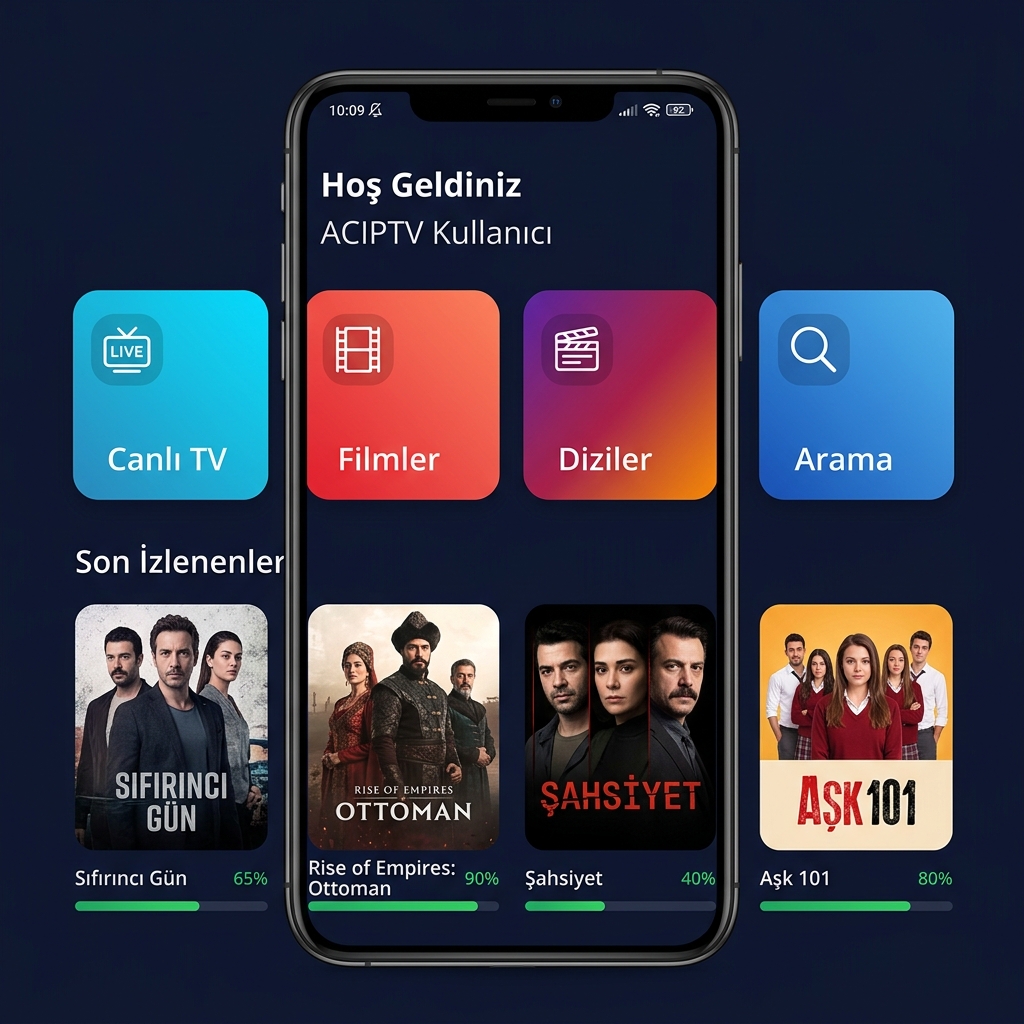
⭐ ACIPTV OFFICIAL WEBSITE — THE MOST ADVANCED IPTV PLAYER OF 2026

LIMITLESS STREAMING, ULTRA FAST PLAYBACK
ACIPTV IN 4K ULTRA HD

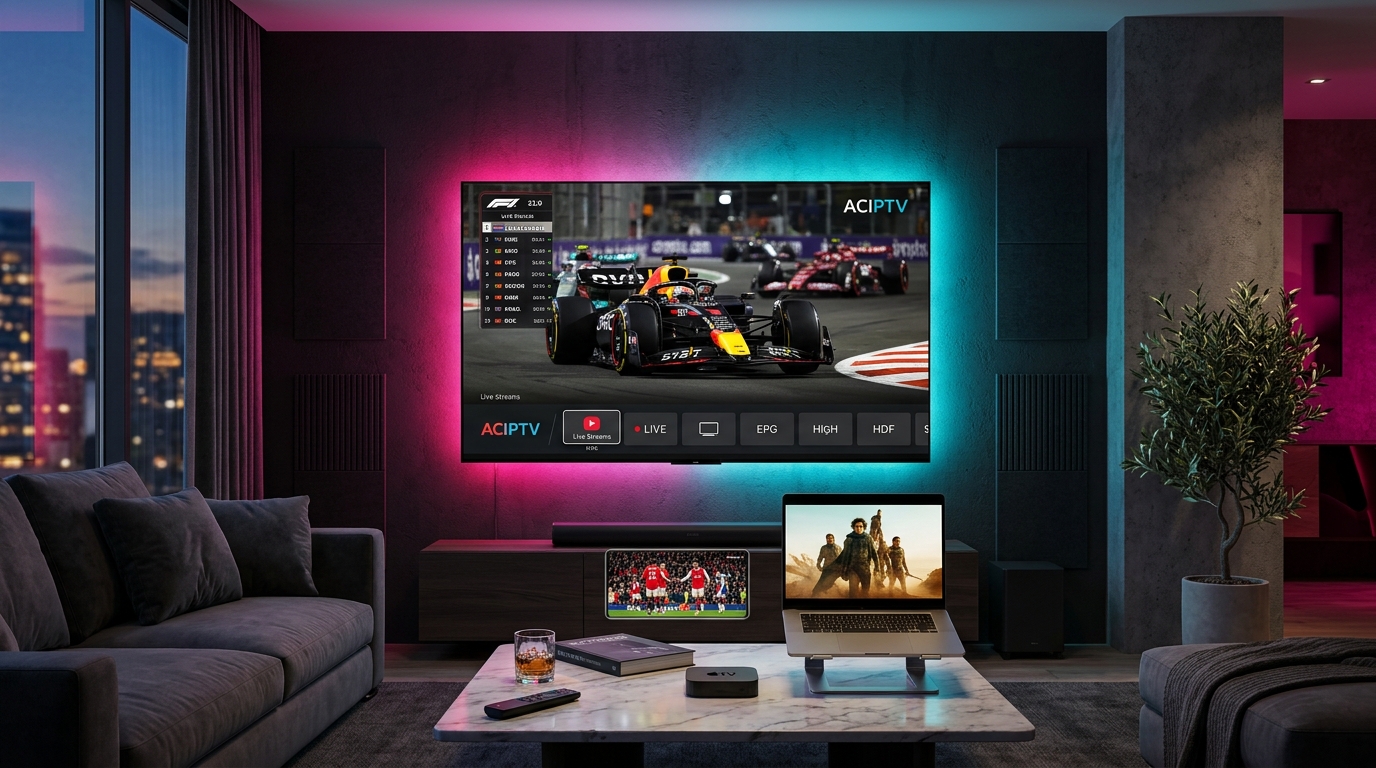
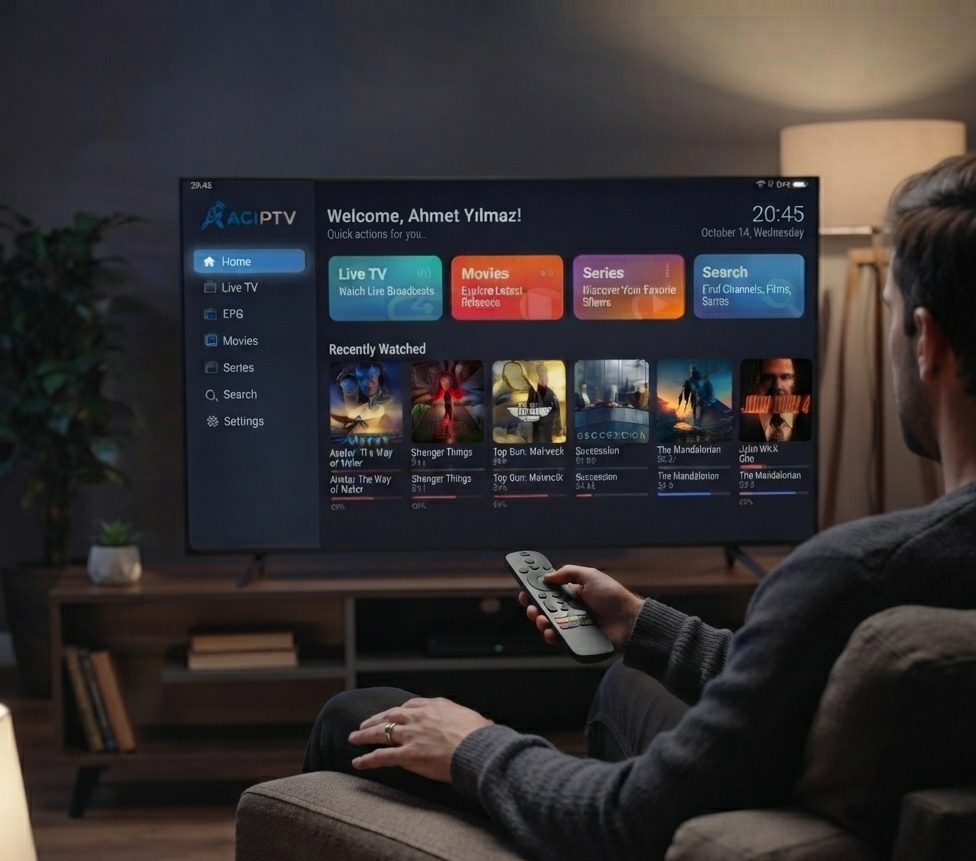
The most powerful, seamless IPTV player engineered for Apple iPhone, iPad, Android TV, Google TV, and Windows PC. No buffering, no clutter — enjoy live TV, sports, movies, and series with one touch.

ACIPTV Multi-Device Ultra HD Streaming Ecosystem

ACIPTV MULTI-DEVICE ECOSYSTEM

SMART TV • APPLE iOS • ANDROID • WINDOWS PC

⚡ < 0.4s Zapping 🎬 4K HDR10+ 📺 Xtream & M3U8 🔒 100% Secure
COMPATIBLE WITH ALL YOUR DEVICES

DOWNLOAD THE APP

Whatever hardware you use, ACIPTV delivers unmatched performance and smooth visual fidelity.

🤖
Android & TV
● AVAILABLE NOW
Android 7.0+ • Android TV • Google TV • Firestick
ACIPTV Android TV Player
  • 100% remote control (D-Pad) optimized TV navigation
  • Touch-friendly mobile and tablet interface
  • Hardware decoding and battery optimization
  • Official Google Play Store safety verified
📲 DOWNLOAD ON GOOGLE PLAY ➔
💻
Windows PC
● AVAILABLE NOW
Windows 11 & Windows 10 (64-Bit) • DirectX
ACIPTV Windows PC App
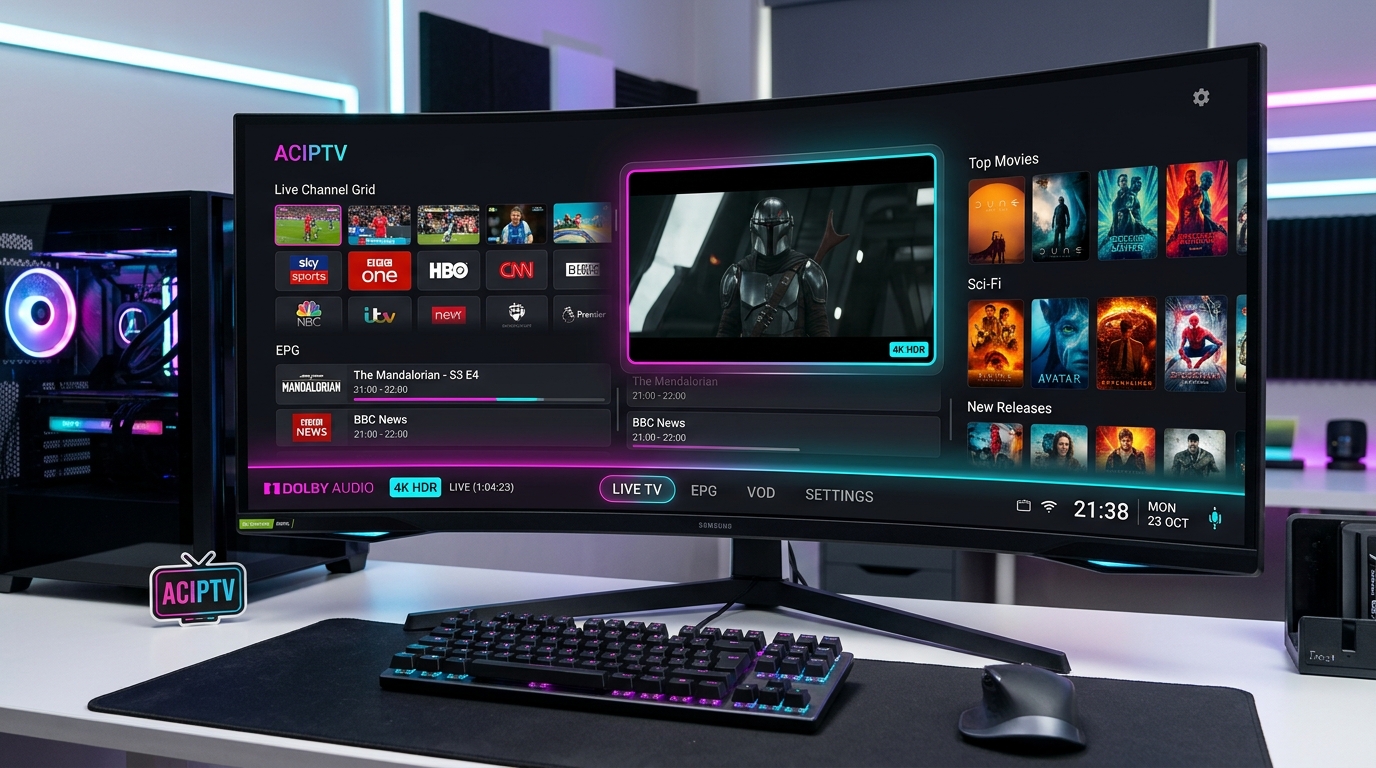
  • DirectX & GPU accelerated 4K / 8K playback
  • Multi-window & full keyboard/mouse navigation
  • Instant channel search and category filters
  • One-click setup (.exe) and quick launch
📥 DOWNLOAD WINDOWS SETUP (.EXE) ➔
🍏
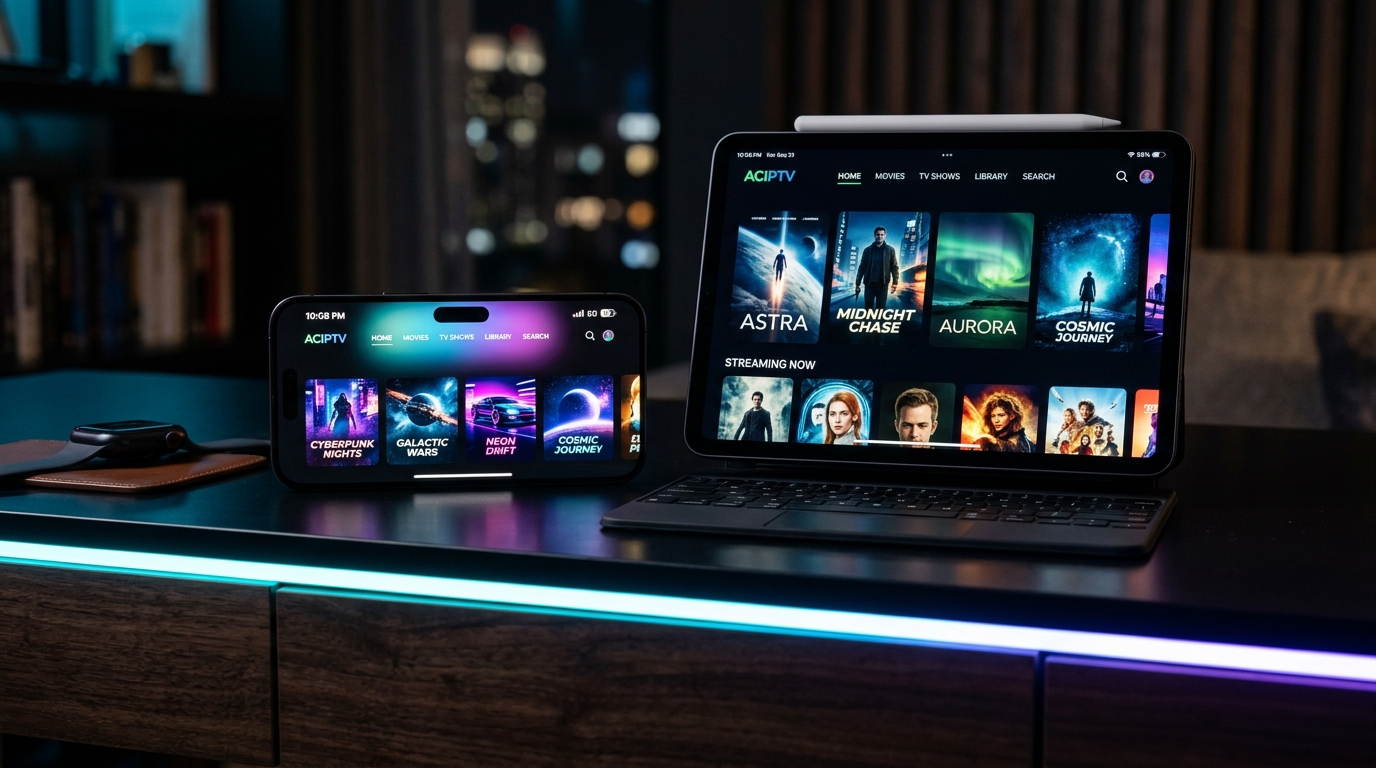
Apple iOS & iPad
● AVAILABLE NOW
iPhone (iOS 16+) • iPad (iPadOS) • Apple Silicon
ACIPTV Apple iPhone & iPad
  • Now available for iPhone & iPad on App Store!
  • Apple Metal API for razor-sharp visual clarity
  • AirPlay & Picture in Picture (PiP) multitasking
  • Official Apple App Store verified & fast install
🍏 DOWNLOAD ON APP STORE ➔
WHY CHOOSE ACIPTV?

UNMATCHED SPEED & CUTTING-EDGE FEATURES

Leave outdated IPTV apps behind. ACIPTV elevates your home entertainment experience.

⚡

Ultra Fast Zapping

Zero waiting between channels! Sub-0.4 second channel switching faster than cable television.

📺

Advanced EPG Guide

Track hourly and weekly broadcast schedules with electronic program guide clarity.

🎬

TMDB Movies & Series

Automatic IMDb ratings, posters, cast lists, and overviews for your on-demand library.

📱

Instant TV QR Pairing

No more typing long passwords with a TV remote. Scan the QR code with your phone to log in instantly.

🖼️

Multi-Screen (Multi-View)

Watch 2 or 4 live sporting events or news channels simultaneously without stuttering.

🎛️

Dolby Audio & Subtitles

Dolby Digital Plus, DTS audio codecs, embedded & external SRT subtitles, plus multiple audio tracks.

🔒

100% Privacy-Focused

Your playlist credentials and watch history are never logged to external servers. All data stays local.

📁

Xtream & M3U Full Support

Add unlimited playlists via Xtream Codes credentials, M3U/M3U8 URLs, or local files.

ADVANCED IPTV PROTOCOLS

XTREAM CODES, STALKER & M3U PLAYBACK

ACIPTV natively supports the world's leading IPTV protocols, Stalker middleware, and M3U8 streams with hardware acceleration.

XTREAM PROTOCOL

⚡ Xtream Codes API

Effortless login with Server URL, Username & Password. Auto-categorized Live TV channels, VOD Movies, TV Series, and Catch-up TV support.

Xtream Codes API Live TV VOD Movies Series Catch-Up
STALKER / MAG

📡 Stalker Portal & Ministra (MAG)

Connect directly to Stalker Portal middleware with custom Portal URL and MAC address emulation, just like traditional MAG set-top boxes.

Stalker Middleware Ministra MAC Emulation Portal URL MAG Set-Top
M3U / M3U8 / HLS

📁 M3U & M3U8 Playlists

Load M3U & M3U Plus playlist URLs or upload local .m3u files. Features auto-refreshing sync and HLS adaptive bitrate streaming.

M3U Plus .m3u8 Streams HLS Adaptive Cloud Playlist Auto Sync
EPG XMLTV

📅 XMLTV Electronic Program Guide (EPG)

Built-in support for XMLTV and GZIP (.gz) EPG feeds. Real-time TV timelines, program overviews, channel logos, and schedule catch-up.

XMLTV GZIP (.gz) TV Timelines Channel Logos Schedules
4K ULTRA HD

🎬 4K HDR10+ & Hardware Acceleration

Crystal-clear 4K 60fps playback supporting H.264, H.265 (HEVC), AV1, TS, MP4, MKV streams. Zero lag, bufferless playback, and low CPU usage.

HEVC H.265 H.264 / AVC AV1 Codec DirectX 12 Dolby Audio
MULTI-DEVICE

📺 Multi-Screen Live Streaming

Watch up to 4 live sports matches or channels simultaneously in a smooth split-screen grid without frame drops.

Multi-Screen Grid Android TV Windows 11 Firestick QR Fast Pair
⚡ REVOLUTIONARY FEATURE

CONNECT TO YOUR TV IN 5 SECONDS

Tired of typing complex server addresses and passwords with an awkward TV remote? Turn your phone into an instant TV controller with ACIPTV Quick Pair.

1 Open Code on TV
2 Scan QR with Phone
3 Enjoy Instant Streams!
📱 GO TO TV PAIRING PAGE ➔ 📖 VIEW STEP-BY-STEP GUIDE
ACIPTV Mobile & TV Quick Pair
EASY ONBOARDING

GET STARTED IN 3 SIMPLE STEPS

Complete setup within minutes and dive into your favorite channels.

1

Download to Your Device

Install from Google Play for Android or download the Windows installer (.exe) directly.

2

Add Your Playlist

Connect using Xtream Codes, M3U links, or scan the TV QR code from your phone.

3

Enjoy Seamless Playback

Stream your favorite sports, movies, and channels in stunning 4K Ultra HD quality.

FREQUENTLY ASKED QUESTIONS

FREQUENTLY ASKED QUESTIONS (FAQ)

Everything you need to know about ACIPTV Player setup, M3U playlists, Xtream Codes API, Stalker Portal, and multi-device pairing.

❓ What is ACIPTV Player and which devices are supported? +
ACIPTV Player is a next-generation 4K Ultra HD IPTV media player engineered for Android TV, Google TV, Fire TV, Android phones/tablets, Windows 10/11 desktop PCs, and Apple iPhone & iPad (iOS).
⚡ How do I log in using Xtream Codes API? +
Select 'Xtream Codes' in ACIPTV and enter your Server URL (including port), Username, and Password provided by your IPTV service provider. ACIPTV automatically organizes your Live TV, Movies (VOD), Series, and EPG data.
📡 Does ACIPTV support Stalker Portal and MAC address emulation? +
Yes! ACIPTV provides native Stalker Portal (Ministra) compatibility just like MAG set-top boxes. Register your MAC address with your service provider, enter your Portal URL, and access full portal channels instantly.
📁 How can I add M3U and M3U8 playlists? +
You can paste your M3U / M3U8 playlist URL directly in the app, or upload a local .m3u file through our web portal (aciptv.acvid.site/portal.php) to automatically sync your playlist across all your screens.
📱 How does QR Code TV pairing work without typing? +
When you open ACIPTV on your Smart TV, a unique QR code and 6-digit code are shown on the screen. Scan the QR code with your mobile camera or enter the PIN on aciptv.acvid.site/pair to pair your channels in under 5 seconds.
🛡️ Does ACIPTV provide streaming channels or content? +
No. ACIPTV is strictly an advanced media player software. The application does not host, provide, or sell any TV channels, streams, or copyrighted media. Users load and play their own legally acquired IPTV subscriptions.
CLOUD PLAYLIST MANAGEMENT

STORE & SYNC M3U PLAYLISTS IN CLOUD

Upload local M3U files or import online playlist URLs to our portal and generate a conflict-free link synchronized with all your ACIPTV devices.

📁 GO TO M3U PORTAL ➔