Premier 4K IPTV Player for Apple TV (tvOS)
Engineered exclusively for Apple TV 4K and Apple TV HD. Experience unmatched cinematic picture quality with Siri Remote touch gestures, Spatial Audio, Multi-Screen quad-view, and effortless mobile QR pairing.
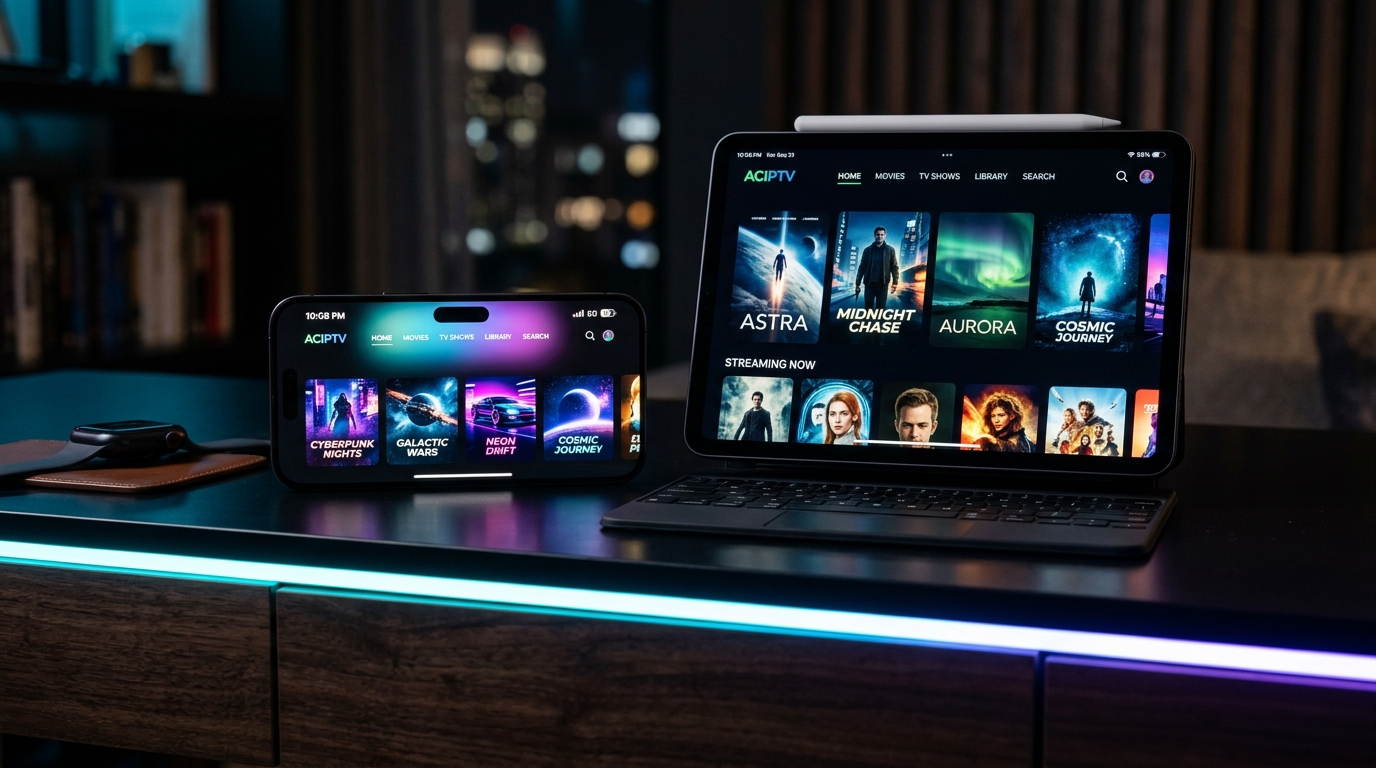
The Ultimate Living Room IPTV Experience on Apple TV
Leveraging Apple's high-performance A-Series Bionic processors for butter-smooth navigation and pristine 4K video reproduction.
Fluid Siri Remote Touch Navigation
Glide effortlessly through channel lists, program categories, and EPG timelines using the intuitive touch-sensitive clickpad on your Apple TV Siri Remote.
Mobile QR TV Pairing (Zero Typing)
Never struggle typing 100-character URLs with a remote control. Scan the on-screen QR code with your phone camera, save your playlist, and start watching in 5 seconds.
Multi-Screen Quad View on Apple TV 4K
Watch up to 4 live sports matches, news events, or shows simultaneously on your 4K TV with instant audio focus toggling via Siri Remote.
Spatial Audio & Dolby Surround
Immerse yourself in live stadium atmospheres and movies with Apple Spatial Audio with dynamic head tracking on AirPods Pro / Max and HomePod stereo pairs.
4K HDR & Match Dynamic Range
Automatic frame-rate and dynamic range matching delivers true 24fps cinema movies and 60fps high-motion sports exactly as broadcast with zero judder.
Privacy First & Ad-Free
Enjoy a clean, distraction-free television experience adhering to Apple's strict privacy standards without intrusive ads or tracking.
How to Set Up ACIPTV on Apple TV
Get started on your Apple TV in under two minutes:
Install from TV App Store
Launch the App Store on your Apple TV, search for ACIPTV, and download the app.
Scan QR with Smartphone
Open ACIPTV on your television to reveal your unique QR pairing code. Scan it using your mobile phone camera.
Sync & Stream in 4K
Paste your M3U link or Xtream Codes login on your phone. Your Apple TV will update instantly with your full channel lineup!
Frequently Asked Questions – Apple TV (tvOS)
Everything you need to know about ACIPTV on Apple TV.