High-Speed IPTV Player for Android TV Box
Unlock the true hardware potential of your NVIDIA Shield, Xiaomi Mi Box, Mecool, Formuler, or generic Android TV Box. Engineered for Gigabit throughput, 4K 60fps sports, Stalker Portal MAG emulation, and 4-way multi-view.
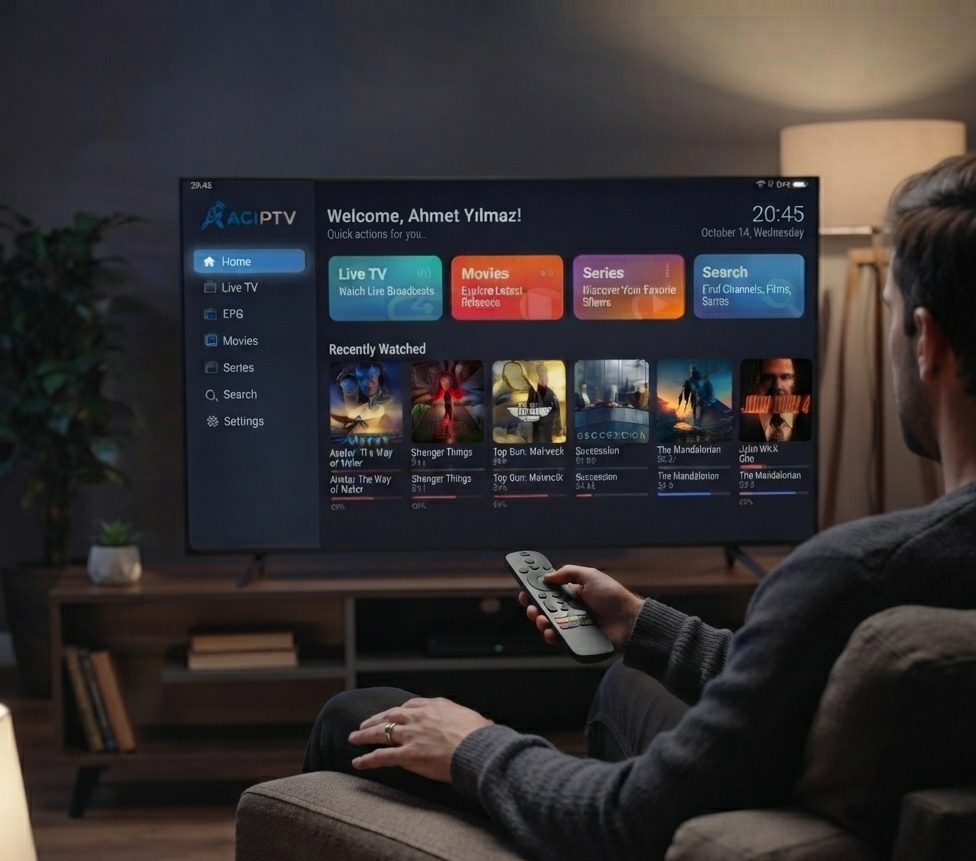
Engineered for High-End Set-Top Box Hardware
While low-tier apps choke on large 100,000+ channel playlists, ACIPTV leverages high RAM and multicore CPUs on Android boxes for zero-lag performance.
Instant Large Playlist Parsing
Equipped with an asynchronous SQLite streaming cache, ACIPTV loads and indexes massive M3U playlists and Xtream VOD catalogs in seconds without freezing your box.
Native Stalker Portal (MAG Box Killer)
Replace legacy MAG 254/322/424 set-top boxes. ACIPTV supports Stalker Portal MAC address emulation, custom serials, and portal channel categories.
Gigabit Ethernet Buffer Pipeline
Designed to leverage wired Ethernet ports on NVIDIA Shield and Mecool boxes, providing continuous pre-buffered video pipes that eliminate micro-stutters during live 4K streams.
Hardware Remote & Gamepad Support
Full support for OEM remotes, air mice, Bluetooth gamepads (Shield Controller, Xbox/PlayStation controllers), and keyboard navigation.
USB & External Storage Support
Directly load offline M3U files, record catch-up segments, and store high-capacity EPG cache directly onto attached USB flash drives or external SSDs.
Native Multi-Screen (Quad View)
Harness the multicore power of your Android Box CPU to decode and display up to 4 simultaneous live video streams with dynamic audio switching.
How to Install ACIPTV on Any Android TV Box
Simple installation for Android TV OS boxes and standard AOSP boxes:
Open Play Store or Sideload
Search for ACIPTV in the Google Play Store on your box, or download the official APK via browser or Downloader app.
Scan Mobile QR Code
Launch ACIPTV. A pairing screen with a QR code will appear. Scan it with your smartphone camera to avoid typing long URLs on your box remote.
Stream in 4K UHD
Save your playlist on your phone; your Android Box will immediately load your full channel lineup with full EPG guide support.
Frequently Asked Questions – Android TV Box
Common questions about using ACIPTV on dedicated streaming boxes.