Ultra-Fast IPTV Player for Android TV Stick & Dongles
Engineered specifically for HDMI TV sticks with limited RAM (Xiaomi TV Stick 4K, Chromecast with Google TV, Realme, and Fire TV Stick). Zero crashes, low thermals, and instant mobile QR pairing.
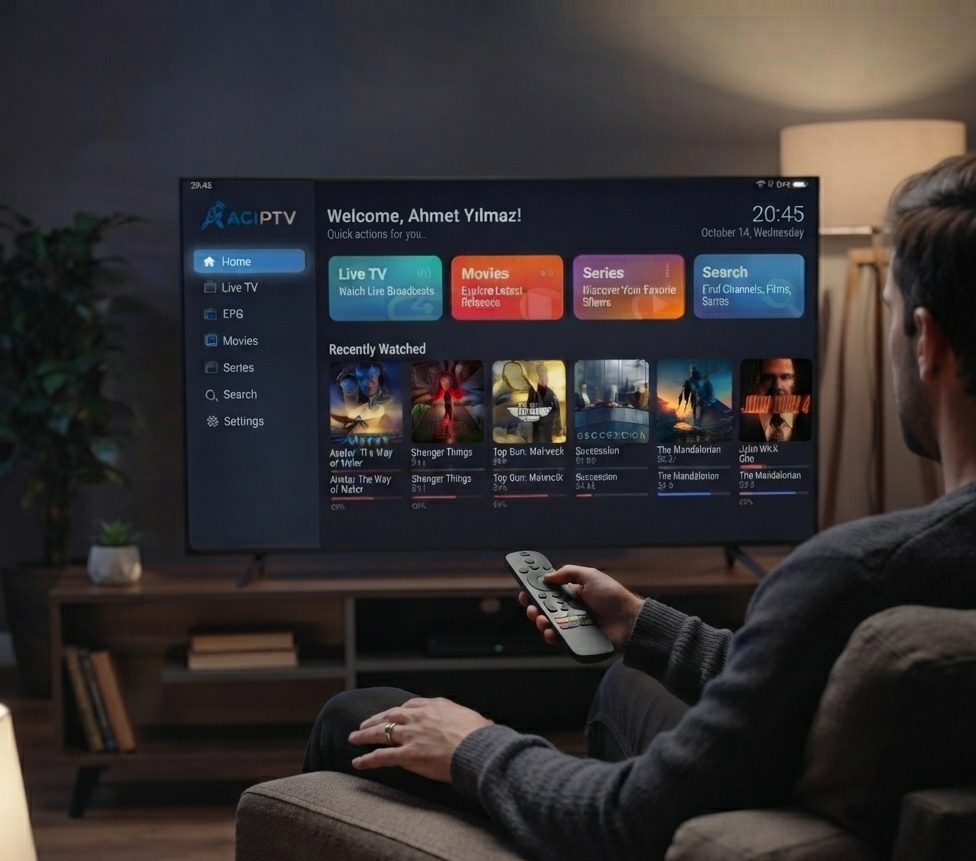
Why ACIPTV is the #1 Choice for HDMI TV Sticks
TV sticks operate in confined spaces behind televisions with limited RAM and cooling. ACIPTV is optimized to run cool and fast.
Ultra-Low RAM Footprint (<80MB)
Unlike bloated apps that consume 500MB+ and crash on 1GB RAM sticks, ACIPTV's on-demand SQLite engine streams playlist items dynamically without memory spikes.
Thermal & Battery Efficiency
Hardware-accelerated video rendering offloads processing to the GPU, preventing thermal throttling and device reboots common with heavy software decoding.
QR Code TV Setup (Zero Typing)
Never struggle with cramped TV stick remotes. Scan the QR code on your TV with your smartphone, paste your M3U link, and sync your channels in under 5 seconds.
Wi-Fi Stream Stabilization
Dynamic packet jitter buffering compensates for spotty Wi-Fi signals behind TV panels, preventing stream stuttering and buffering loops during live broadcasts.
4K 60FPS Hardware Acceleration
Full support for modern HEVC, H.264, and AV1 video codecs on 4K sticks, delivering crisp sports and movies at buttery smooth 60 frames per second.
Fast Background Resume
Instantly resume where you left off when waking your TV stick from sleep without having to reload the entire channel database.
How to Set Up ACIPTV on an Android TV Stick
Quick 3-step setup designed for HDMI stick remotes:
Install from TV Store
Search for ACIPTV in Google Play Store on your TV stick and click Install.
Scan QR with Smartphone
Launch ACIPTV on your TV stick. A QR code will display on the screen. Scan it with your phone's camera.
Enter Playlist & Stream
Paste your M3U or Xtream Codes login on your phone. Hit Sync and your TV stick will begin streaming immediately!
Frequently Asked Questions – TV Sticks
Answers to common questions regarding TV stick compatibility.