High-Performance IPTV Player for Android Mobile
Engineered with 100% native Kotlin code, ACIPTV delivers zero-lag 4K 60fps streaming, intuitive touch-gesture controls, Picture-in-Picture playback, and cloud synchronization directly on your Android smartphone.
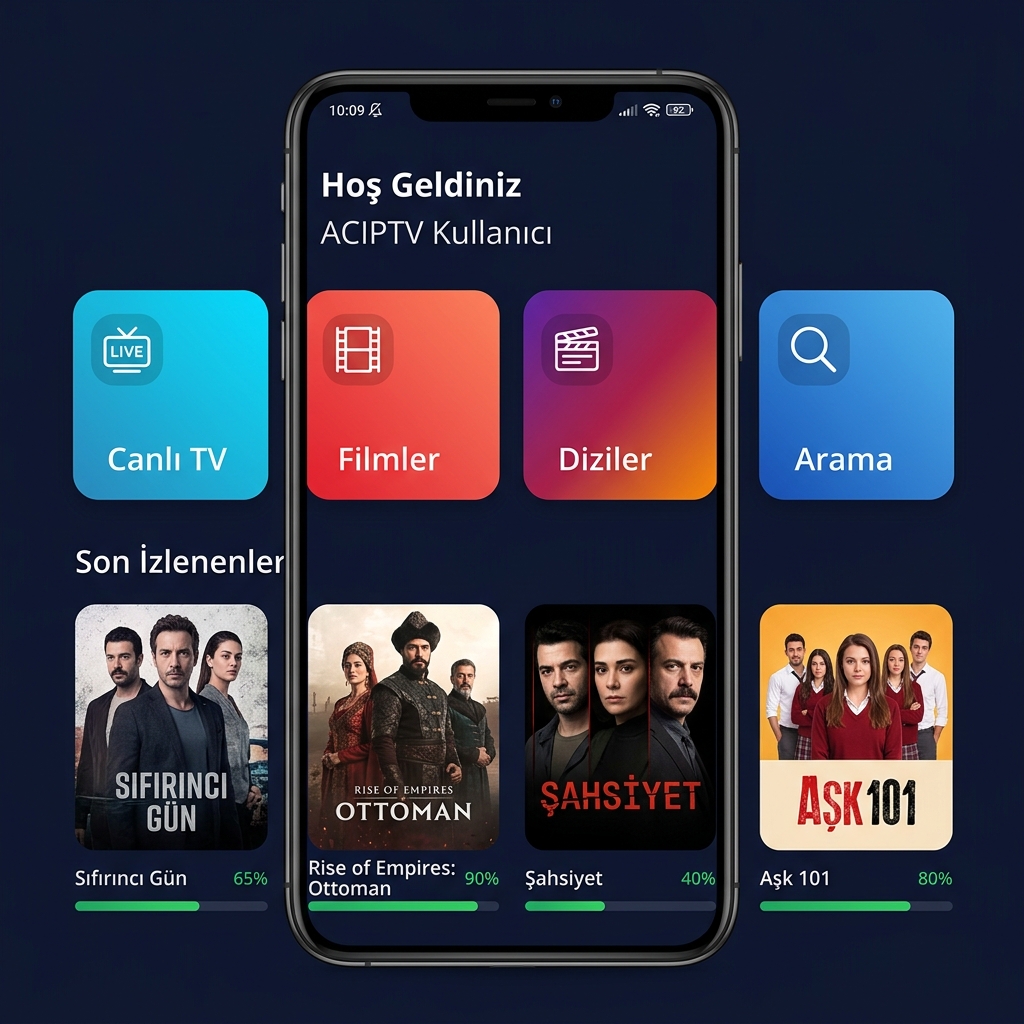
Built Specifically for the Mobile Touchscreen Experience
Unlike clunky TV apps scaled down to mobile screens, ACIPTV on Android is designed specifically for one-handed operation and mobile streaming.
Intuitive Touch Gestures
Swipe up or down on the left side of the screen to adjust brightness, and on the right side to adjust audio volume. Double-tap to seek or toggle aspect ratios instantly.
Picture-in-Picture (PIP)
Keep watching your favorite live football match or news stream in a floating mini-player while chatting on WhatsApp or browsing social media.
Sub-0.3s Channel Zapping
Pre-buffered ExoPlayer hardware video pipes ensure channels switch instantly without annoying buffering screens or black frames.
Mobile QR Remote Pairing
Use your phone as the master remote: scan the QR code on your Smart TV to transfer your channels to the big screen in under 5 seconds with zero typing.
EPG Guide & Search
Full XMLTV Electronic Program Guide support with quick keyword search, program descriptions, and reminder notifications for upcoming broadcasts.
Battery & Hardware Efficiency
Native GPU video decoding minimizes CPU utilization, keeping your device cool and maximizing battery life during long streaming sessions.
Supported Formats & Streaming Protocols
Connect seamlessly to any legal IPTV provider using open industry standards:
How to Install & Set Up ACIPTV on Android Smartphone
Follow these simple steps to start streaming in under two minutes:
Download from Google Play
Search for ACIPTV (Package: com.aciptv.kotlin) in the Google Play Store and tap Install.
Select Connection Type
Launch ACIPTV and choose your format: M3U URL, Xtream Codes Login, or Stalker Portal.
Start Watching
Your channels, categories, movies, and EPG TV guides will populate instantly. Enjoy lag-free 4K streaming!
Frequently Asked Questions – Android Mobile
Everything you need to know about using ACIPTV on your Android phone.