Premier 4K IPTV Player for Android TV & Google TV
Designed specifically for the 10-foot living room experience. Enjoy native remote control D-Pad navigation, multi-screen quad view, fast channel zapping, and instant TV QR synchronization without tedious remote typing.
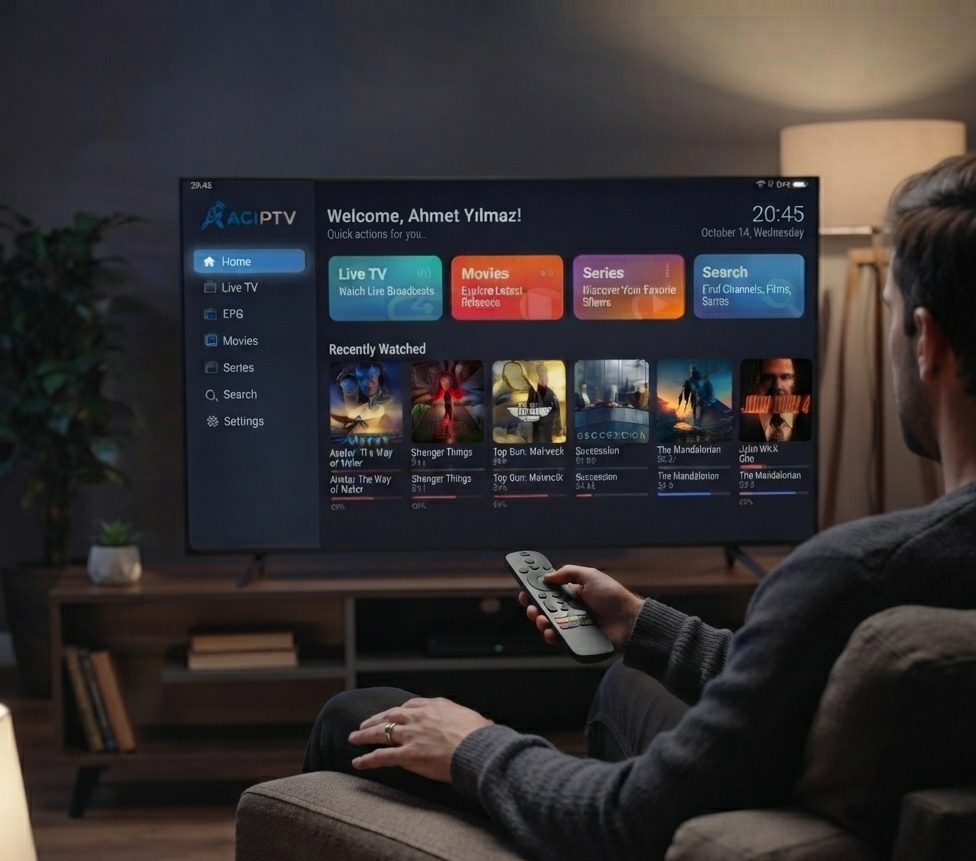
Built Specifically for Big Screen Televisions
Say goodbye to mobile apps poorly adapted for TV. ACIPTV was engineered from the ground up for seamless remote control navigation.
Flawless D-Pad Remote Navigation
Every menu, channel list, and EPG grid is fully navigable with standard TV remote directional arrows, OK, and back buttons with high-contrast active highlights.
Instant TV QR Pairing (Zero Typing)
No more clicking 100 characters on an on-screen keyboard with an arrow key! Scan the on-screen TV QR code with your mobile camera and pair your playlist in seconds.
Multi-Screen Quad View
Watch up to 4 live sports matches, news channels, or events simultaneously on your big screen TV with 1-click audio switching between tiles.
4K UHD & 60FPS Video Engine
Hardware-accelerated decoding for HEVC H.265, AV1, and MPEG-TS feeds ensures crisp 4K picture quality with smooth 60fps motion for live sports.
EPG TV Guide with Live Preview
Full-screen interactive electronic program guide with program timeline, category filters, and live video PIP preview while browsing channels.
Parental Control & Category Lock
Protect adult channels or sensitive categories with a 4-digit PIN code to keep family television viewing safe and organized.
Supported TV Standards & Formats
ACIPTV connects natively to all major IPTV standards:
How to Set Up ACIPTV on Android TV & Google TV
Get up and running on your television in under two minutes:
Install from TV Play Store
On your Android TV or Google TV, launch Google Play Store, search for ACIPTV and click Install.
Scan QR Code on TV
Open ACIPTV. A pairing screen with a unique QR code and 6-digit PIN will appear on your TV screen.
Sync from Your Phone
Scan the QR code with your mobile phone camera or visit aciptv.acvid.site/pair, enter your playlist, and hit sync. Done!
Frequently Asked Questions – Android TV
Everything you need to know about streaming on your big screen TV with ACIPTV.