Premier 4K IPTV Player for iPad (iPadOS)
Transform your iPad Pro, iPad Air, or iPad mini into a portable cinema. Take full advantage of iPadOS Split View multitasking, 120Hz ProMotion smoothness, Multi-Screen quad-view, and AirPlay 2 connectivity.
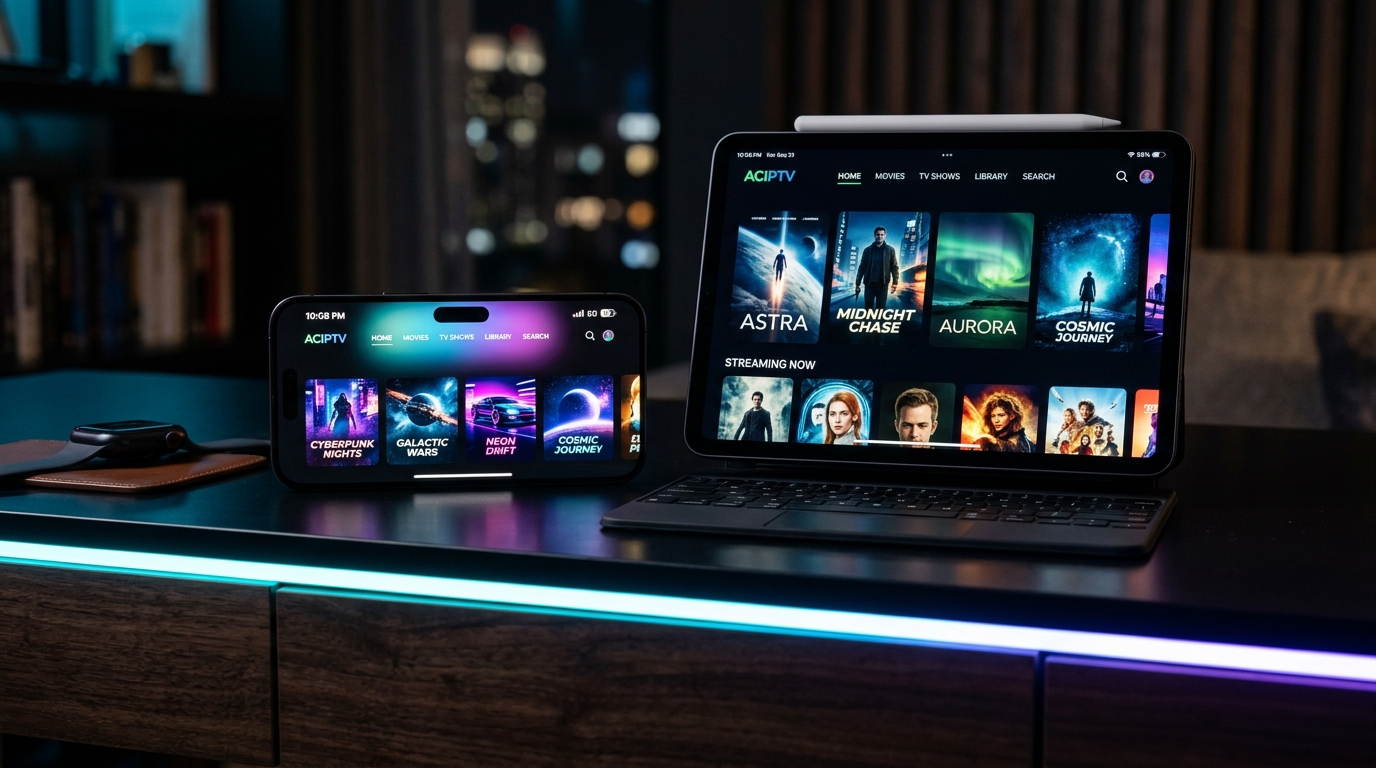
Harness the Full Power of the iPad Display
Designed specifically to take advantage of iPad's expansive screen real estate, M-series processing power, and iPadOS multitasking.
Split View & Slide Over Multitasking
Run ACIPTV side-by-side with your favorite sports tracking app, web browser, or messaging apps without interrupting your live video stream.
Multi-Screen Quad View
The high-density Liquid Retina display on iPad is perfect for watching up to 4 simultaneous live sporting events or news feeds in crisp detail.
120Hz ProMotion Smooth Navigation
Silky-smooth scrolling through thousands of channels, movie catalogs, and Electronic Program Guides (EPG) at full 120Hz refresh rate.
Magic Keyboard & Trackpad Support
Full support for Apple Magic Keyboard, Smart Keyboard Folio, trackpads, and external mice with intuitive hover states and hotkeys.
Picture-in-Picture (PiP) Window
Effortlessly pop out any video stream into a floating, resizable PiP player that stays on top while you navigate other apps.
AirPlay 2 Big-Screen Mirroring
Send your stream to an Apple TV or smart television with one tap, or stream audio to HomePods and high-fidelity AirPlay speakers.
How to Set Up ACIPTV on your iPad
Quick, easy setup from the App Store:
Download from App Store
Open App Store on your iPad, search for ACIPTV, and tap Get to install.
Connect Your Playlist
Enter your Xtream Codes Login, paste an M3U URL, or load a local playlist file.
Enjoy 4K Streaming
Experience your channel lineup with comprehensive EPG TV guides on iPad's gorgeous Retina screen.
Frequently Asked Questions – iPad (iPadOS)
Common questions about streaming on iPad with ACIPTV.