Premier 4K IPTV Player for iPhone (iOS)
Engineered exclusively for iOS with Apple's Metal graphics pipeline and AVPlayer framework. Enjoy lag-free 4K 60fps streaming, Picture-in-Picture multitasking, AirPlay 2 casting, and cloud TV pairing on your iPhone.
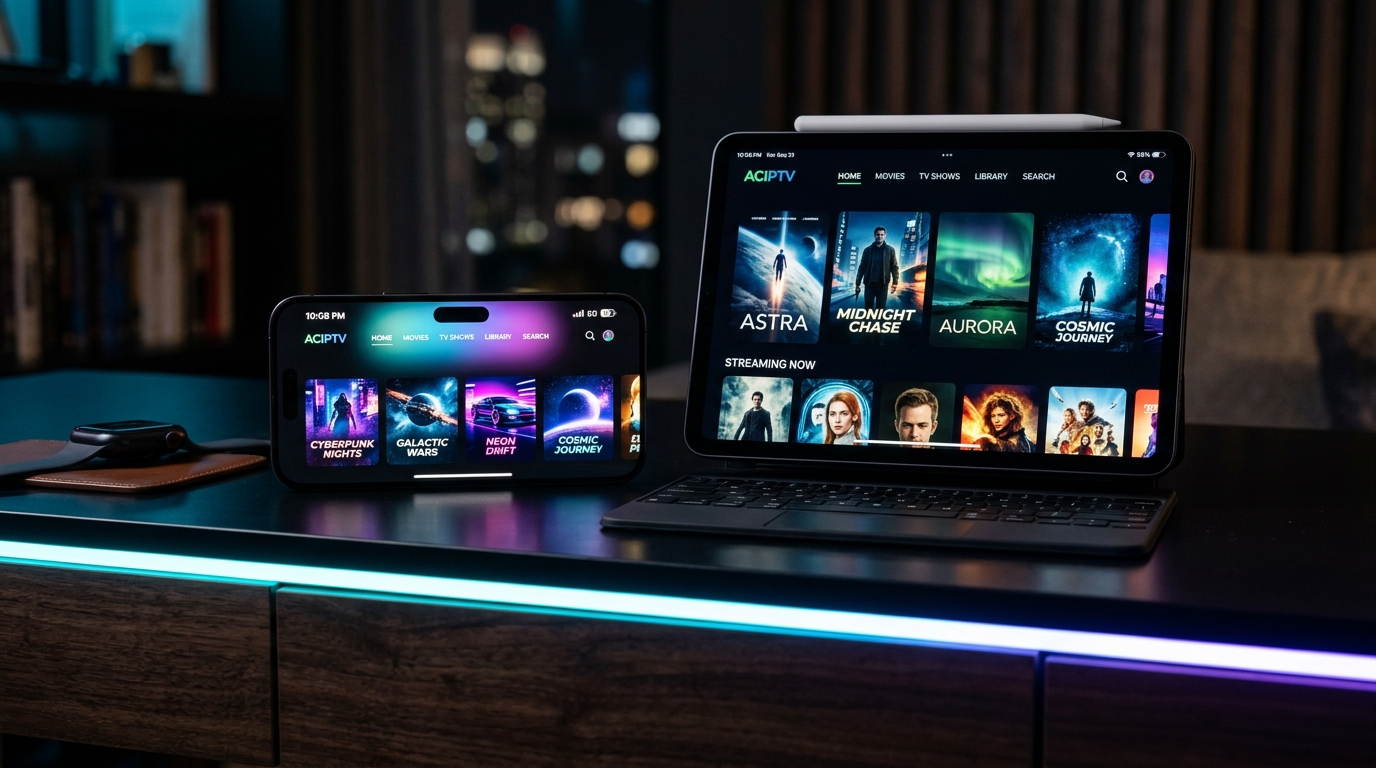
Crafted for the iOS iPhone Experience
Built following Apple's Human Interface Guidelines for a clean, fluid, battery-friendly iOS streaming experience.
Seamless Picture-in-Picture (PiP)
Keep your live broadcast floating on screen while replying to iMessages, checking emails, or navigating maps. Resize and tuck the PiP window to the edge anytime.
Native AirPlay 2 Integration
Beam your live streams, 4K sports, or movies directly to your Apple TV, HomePod, or AirPlay-enabled screen with zero latency and synchronized multi-room audio.
Haptic Touch & Gesture Navigation
Swipe vertically on the screen edges for instant brightness and volume adjustments. Feel subtle Taptic Engine feedback as you browse channels and program categories.
Metal GPU Hardware Efficiency
Utilizes Apple Bionic & A-Series Metal hardware decoding, preventing iPhone thermal throttling and preserving maximum battery health during long viewing sessions.
Instant TV QR Pairing Engine
Use your iPhone camera to scan the QR code on your Smart TV screen. Instantly sync your playlist to the big screen without typing on a remote control.
Strict Apple Privacy Standards
Complies fully with Apple's App Tracking Transparency and privacy guidelines. No third-party data tracking, no analytics selling, and zero invasive ads.
How to Install ACIPTV on your iPhone
Get started on your iPhone in just three simple steps:
Download from App Store
Open the App Store on your iPhone, search for ACIPTV, and tap Get to download.
Add Your Playlist
Launch ACIPTV and select your connection method: Xtream Codes API, M3U URL, or Stalker Portal.
Start Streaming
Your channels and electronic program guide (EPG) will load immediately. Enjoy high-definition live TV on the go!
Frequently Asked Questions – iPhone (iOS)
Everything you need to know about streaming on your iPhone with ACIPTV.