High-Performance IPTV Player for Windows 10 & 11
Experience ultra-crisp 4K 60fps streaming on your PC without clunky Android emulators. Native 64-bit Windows execution with DirectX hardware acceleration, multi-monitor support, keyboard shortcuts, and M3U file drag-and-drop.
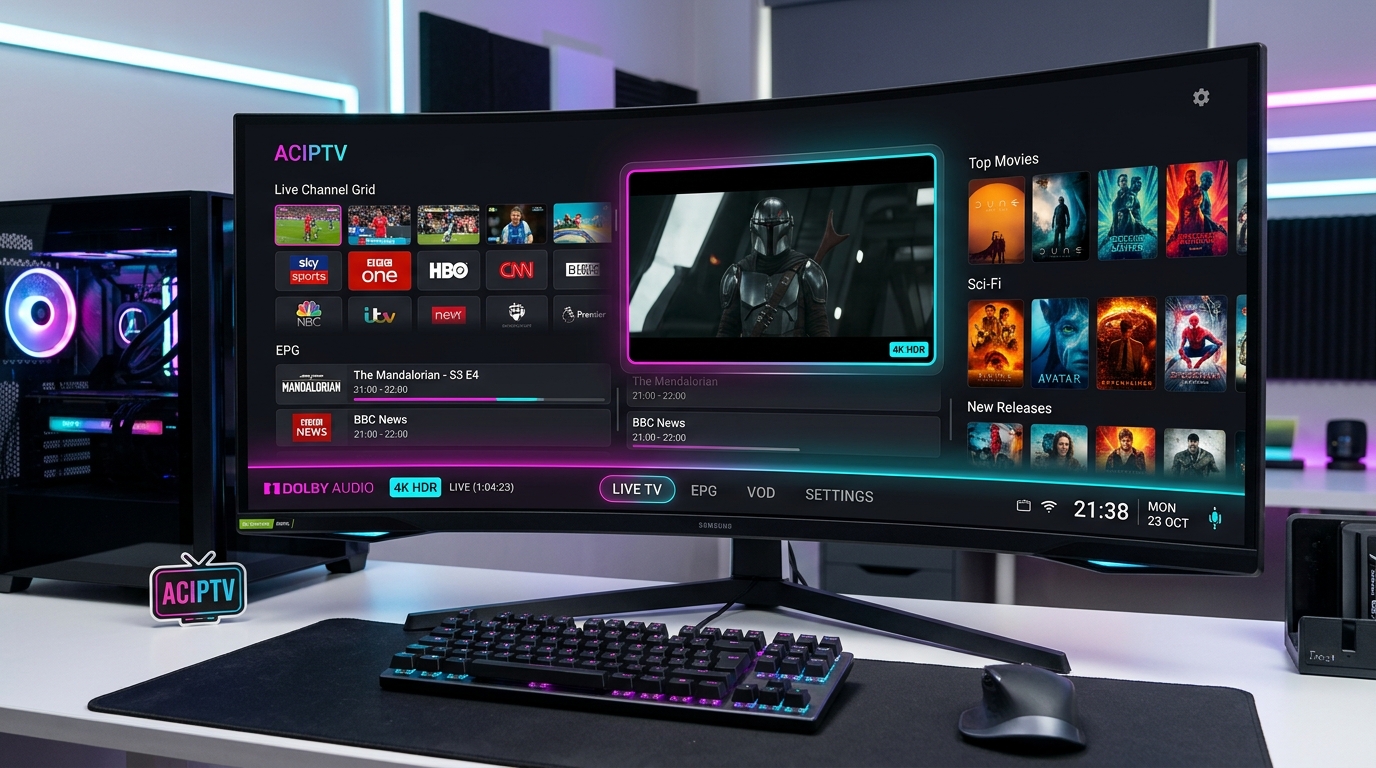
Engineered Specifically for Windows Desktop & Laptop
Why run slow Android emulators that waste gigabytes of RAM? ACIPTV runs natively on Windows with blazing fast DirectX GPU acceleration.
DirectX GPU Hardware Acceleration
Leverages your NVIDIA GeForce, AMD Radeon, or Intel Iris GPU to decode 4K HEVC and AV1 streams with near-zero CPU load.
Multi-Monitor & Detached Windows
Drag player tiles across multiple PC monitors. Keep your live football match on your secondary display while working on your primary screen.
Drag & Drop M3U Playlist Loading
Simply drag any .m3u or .m3u8 file from your Windows desktop or downloads folder directly into the app window.
Keyboard Shortcuts & Mouse Controls
Full keyboard hotkeys for instant channel switching, audio mute (M), fullscreen toggle (F), volume wheel adjustments, and EPG overlay (G).
Multi-Screen Quad View
Split your screen into 2, 3, or 4 simultaneous live video streams with independent volume controls and 1-click active audio switching.
Privacy First & Zero Bloatware
Lightweight 64-bit installer with no adware, no telemetry tracking, and zero background services slowing down your Windows operating system.
How to Install ACIPTV on Windows PC
Fast, seamless installation on Windows 10 and Windows 11:
Download Installer
Click the Download for Windows button to save ACIPTV_Setup_x64.exe onto your PC.
Run Setup Wizard
Launch the installer. Follow the simple on-screen instructions to complete the setup in under 30 seconds.
Load Your Playlist
Enter your Xtream Codes login, paste an M3U URL, or drag & drop a local .m3u file to start watching instantly.
Frequently Asked Questions – Windows
Common questions about running ACIPTV on Windows 10 and 11.